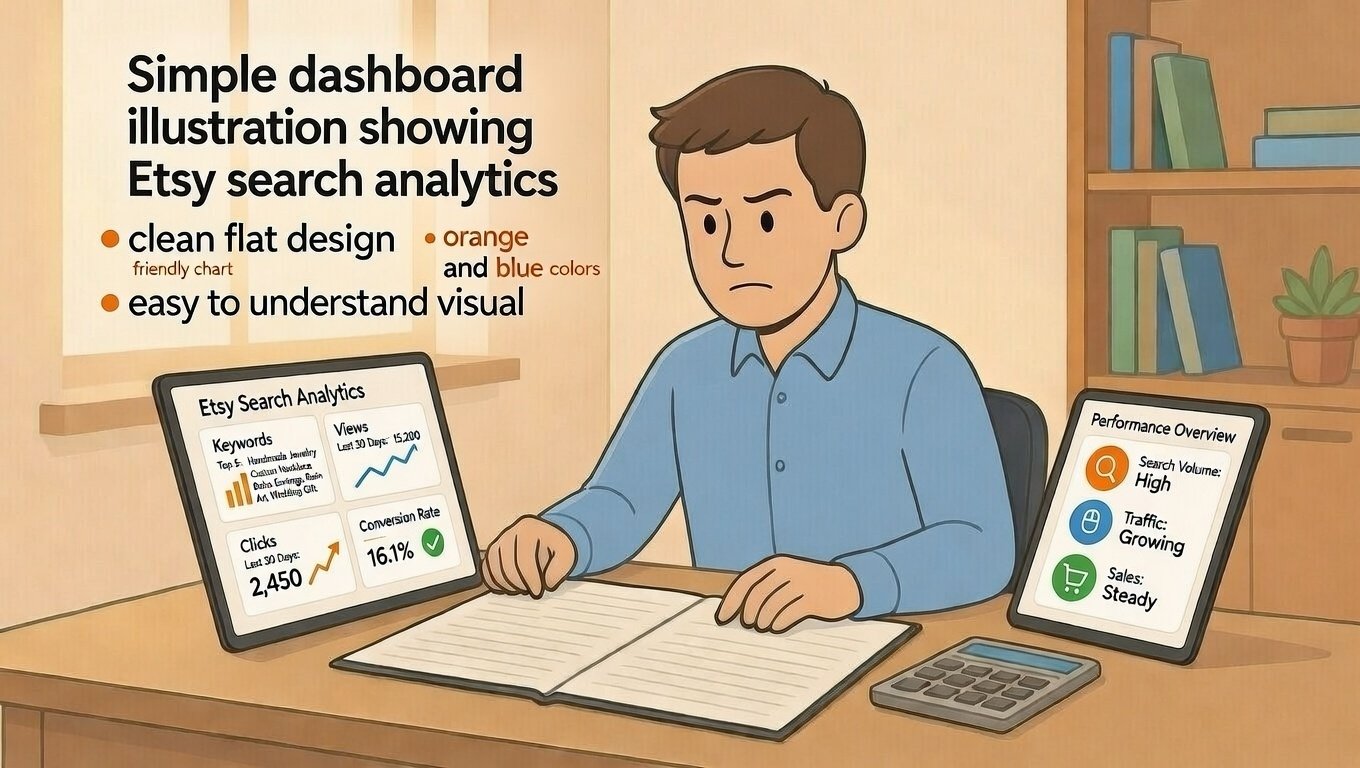
What Are Etsy Search Analytics?
Etsy search analytics show how buyers find your shop. They tell you which words people type to see your items. They show which listings get clicks and sales.
These numbers help you make smarter choices. You can fix weak listings. You can double down on what works. Data turns guessing into knowing.
This guide shows you how to read Etsy analytics. Simple steps. Real examples. No confusing terms. You can use this today.
Where to Find Your Search Analytics
Go to Shop Manager on Etsy. Click Stats. Then click Listing Stats or Search Analytics.
You will see tables with numbers. Do not feel overwhelmed. Focus on three key columns: Views, Orders, and Conversion Rate.
These three numbers tell most of the story. Start here. Add more detail later as you learn.
Key Metrics That Matter for Profit
Not all numbers help you earn more. Focus on metrics that connect to sales and profit.
Search Views: Are People Finding You?
Search views show how many times buyers saw your listing in Etsy search. High views mean good keywords and titles.
Low views mean your listing is hidden. Fix titles and tags to improve visibility.
Track this number weekly. Rising views mean your SEO work is paying off.
Click-Through Rate: Do People Want to See More?
Click-through rate shows how many viewers click your listing. Divide clicks by views. Multiply by 100 for a percentage.
Example: 100 views and 5 clicks equals 5% click-through rate. This is a healthy number for most shops.
Low click-through means your first photo or title needs work. Test new photos. Rewrite titles. Watch the number improve.
Conversion Rate: Do Clicks Turn Into Sales?
Conversion rate shows how many clicks become orders. Divide orders by clicks. Multiply by 100.
Example: 20 clicks and 2 orders equals 10% conversion. This is strong for Etsy.
Low conversion means your price, description, or reviews may need attention. Fix these to earn more from the same traffic.
Step 1: Find Your Top Search Terms
Etsy shows which words buyers typed to find your shop. Use this data to improve your listings.
How to Read Search Terms
Go to Stats > Search Analytics. Look at the "Search terms" column.
Note which terms bring the most views. Are they the words you targeted? Or surprising phrases you did not expect?
Add high-performing terms to other listings. This spreads success across your shop.
Spot Hidden Opportunities
Sometimes buyers find you with words you did not use. Example: You sell "wall art" but buyers search "nursery decor."
Add these unexpected terms to your tags. You will reach new buyers without changing your product.
Check search terms monthly. Buyer language changes. Stay current to stay visible.
Step 2: Audit Your Low-Performing Listings
Not every listing will succeed. Analytics help you spot which ones need help.
High Views, Low Clicks: Fix Your First Impression
If a listing gets views but no clicks, your first photo or title may be the problem.
Test a brighter main photo. Rewrite your title to lead with the main keyword. Wait one week. Check if clicks improve.
Small tweaks often bring big gains. Do not rewrite everything at once.
High Clicks, Low Orders: Fix Your Listing Details
If people click but do not buy, something after the click is blocking them.
Check your price. Is it fair compared to similar items? Check your description. Does it answer common questions?
Add more photos. Show scale. Include reviews. These trust signals help buyers say yes.
Low Views, Low Everything: Start Over or Retire
If a listing gets almost no views, your keywords may be wrong. Or the item may not match buyer demand.
Try new tags and a clearer title. Give it two weeks. If views stay low, consider retiring the listing.
Focus your energy on items buyers actually want. Let go of what does not work.
Step 3: Use Data to Improve Your SEO
Analytics show what works. Use that knowledge to optimize other listings.
Copy Winning Keywords
Find your best-converting listing. Note its title and tags. Use similar keywords in new listings.
Do not copy exactly. Adapt the pattern to fit your new item. Etsy rewards unique, relevant content.
This shortcut saves time. You reuse what already earns sales.
Fix Weak Titles Fast
Titles drive search visibility. If a listing underperforms, rewrite its title first.
Put the main keyword at the start. Add who it is for or when to use it. Keep it readable for humans.
Example: Change "Pretty Blue Necklace" to "Handmade Blue Beaded Necklace, Gift for Her, Birthday Jewelry."
Update Tags Based on Real Searches
Use your Search Analytics to find real buyer phrases. Add these to your tags.
Replace vague tags like "gift" with specific ones like "gift for mom" or "teacher appreciation present."
Specific tags match specific searches. This brings more qualified buyers to your shop.
Step 4: Track Profit, Not Just Views
More views do not always mean more profit. Focus on metrics that connect to money.
Calculate Revenue Per Search View
Divide total revenue from a listing by its search views. This shows how much each view is worth.
Example: $100 revenue from 500 views equals $0.20 per view. Compare this across listings.
Double down on listings with high revenue per view. Improve or retire listings with low numbers.
Factor in Your Costs
Views and sales are only half the story. Subtract your costs to find true profit.
Track materials, fees, time, and shipping for each listing. Analytics show revenue. You add the cost side.
True profit = Revenue minus All Costs. This number guides smart pricing and product decisions.
Common Mistakes When Reading Analytics
Even careful sellers misread data. Avoid these traps.
Mistake 1: Checking Numbers Too Often
Etsy's algorithm needs time to adjust. Checking daily leads to panic and rash changes.
Review analytics once a week. Make one small change. Wait 7-14 days to see results.
Patience beats guessing. Let data guide you, not emotions.
Mistake 2: Focusing Only on Views
High views feel good. But views do not pay bills. Sales do.
Always pair view counts with conversion rate. A listing with 100 views and 10 sales beats one with 1,000 views and 2 sales.
Profit comes from conversions, not just visibility.
Mistake 3: Ignoring Seasonal Trends
Search behavior changes with seasons. "Gift" searches rise in November. "Wedding" searches peak in spring.
Compare analytics to the same month last year. This shows real growth, not just seasonal swings.
Plan listings ahead of trends. List holiday items 6-8 weeks early.
Simple Tracking Template for Profit Analytics
Use this basic sheet to connect analytics to profit.
Weekly Analytics Tracker
Column A: Listing Name
Column B: Search Views This Week
Column C: Orders This Week
Column D: Conversion Rate (C divided by B)
Column E: Revenue (Orders × Sale Price)
Column F: Total Costs (Materials + Fees + Time)
Column G: True Profit (E minus F)
How to Use This Tracker
Update it every Monday. Copy numbers from Etsy Stats. Add your cost data.
Sort by True Profit. See which listings earn the most. Do more of what works.
Spot low-profit listings. Fix their titles, photos, or prices. Or retire them to focus energy elsewhere.
When to Make Changes Based on Analytics
Data guides action. But not every number needs a fix.
Change Titles or Tags When
Search views drop for two weeks in a row. Or a new listing gets almost no views after 14 days.
Test one change at a time. Wait a week. Measure the result.
Small, steady improvements beat big, random guesses.
Change Photos or Price When
Click-through rate is below 2%. Or conversion rate is below 1%.
These numbers signal a mismatch between expectation and reality. Fix the listing to match buyer needs.
Test new photos on one listing first. Learn what works before updating your whole shop.
Do Not Change When
Numbers fluctuate day to day. Etsy search is dynamic. One slow day does not mean failure.
Wait for patterns, not blips. Two to four weeks of data gives reliable signals.
Trust the process. Consistency beats reaction.
Final Checklist: Analytics for Profit
Before you act on your data, confirm these points:
- I checked Search Views, Click-Through Rate, and Conversion Rate for my top listings
- I identified my best and worst performing search terms
- I calculated true profit (revenue minus all costs) for key listings
- I planned one small change to test this week
- I scheduled a review date in 7-14 days to measure results
- I kept my tracker simple enough to update weekly
If you checked most boxes, you are ready to turn data into profit.
Final Thoughts on Search Analytics
Analytics do not replace creativity. They support it. Data shows what buyers want. You create what they love.
Start small. Track three listings this week. Learn the process. Expand as you get comfortable.
Remember: Profit comes from smart choices, not just hard work. Analytics help you choose wisely.
Keep learning. Keep testing. And keep serving buyers with listings that convert.
You do not need perfect data. You need enough insight to make one better decision today.
Pro Tip: Save your best-performing title and tag patterns in a note. Reuse the structure for new listings. Consistency builds momentum and profit.