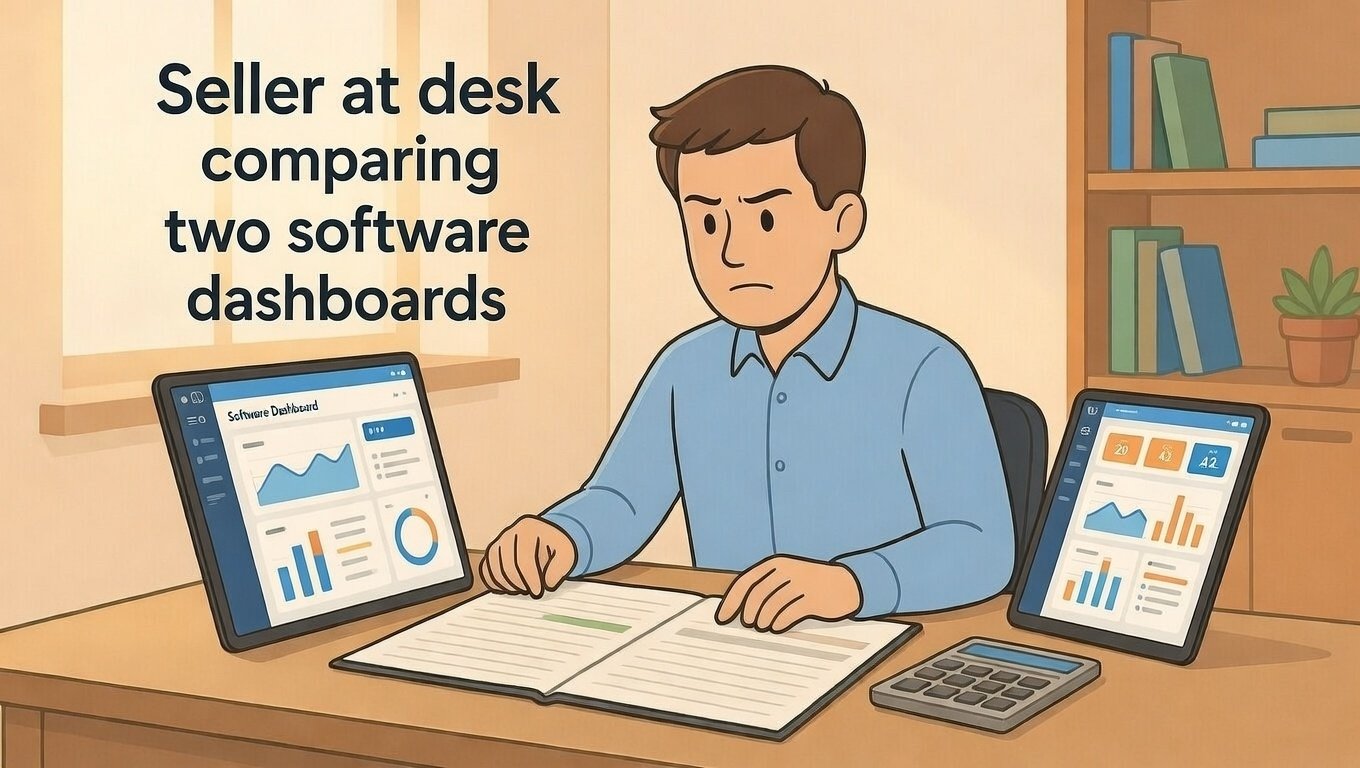
Why Etsy Sellers Need Accounting Software
Tracking money matters for every seller. Etsy fees, materials, shipping, and taxes add up fast. Writing everything down by hand takes time and invites mistakes.
Accounting software does the math for you. It connects to Etsy. It tracks income and expenses. It helps you file taxes with less stress.
This guide shows you the best tools for Etsy sellers. Simple options. Real prices. No confusing tech talk.
What to Look for in Accounting Software
Not all software fits Etsy sellers. Look for these key features before you choose.
Etsy Integration
The best tools connect directly to your Etsy shop. They import sales and fees automatically. You do not type numbers by hand.
Auto-sync saves hours each month. It also reduces errors. Fewer mistakes mean less stress at tax time.
Simple, Clear Dashboards
You do not need complex charts. You need to see: How much did I make? How much did I spend? What is my profit?
Look for software with a clean home screen. Big numbers. Simple labels. Easy to understand at a glance.
Expense Tracking
Good software lets you snap photos of receipts. It sorts expenses into categories like materials, fees, or shipping.
Some tools even scan receipts with your phone camera. This feature saves time and keeps records tidy.
Tax Reports
Tax time should not feel scary. The right software generates reports your accountant can use.
Look for one-click profit and loss reports. These show your income minus expenses. Perfect for tax forms.
Top Pick for Beginners: Wave
Wave is free forever. It works well for new Etsy sellers who want simple tracking without monthly costs.
What Wave Does Well
Wave tracks income and expenses. It connects to your bank account. It generates basic tax reports.
The dashboard is clean and simple. New users can learn it in one afternoon. No accounting degree needed.
Limitations to Know
Wave does not have a direct Etsy integration. You must import sales manually or use a third-party tool.
It also lacks inventory tracking. If you sell physical products with stock levels, you may outgrow Wave fast.
Best For
Wave fits sellers making under $10,000 per year. It also fits digital sellers with simple finances. If you want free and simple, start here.
Best Overall for Etsy: QuickBooks Self-Employed
QuickBooks Self-Employed costs $15-25 per month. It offers the best balance of power and simplicity for most Etsy sellers.
What QuickBooks Does Well
It connects directly to Etsy. Sales, fees, and refunds sync automatically. You see real-time profit without manual work.
It tracks mileage for craft fair trips. It estimates quarterly taxes. It separates business and personal spending with one click.
Limitations to Know
The monthly cost adds up. If you sell very little, the price may not feel worth it.
Some advanced features require the full QuickBooks Online plan. That costs more and may be overkill for small shops.
Best For
QuickBooks Self-Employed fits sellers making $10,000+ per year. It also fits sellers who want automatic Etsy sync and tax help. If you value time savings, this is worth the cost.
Best for Growing Shops: Xero
Xero starts at $15 per month. It scales well as your shop grows. It works for sellers who plan to expand beyond Etsy.
What Xero Does Well
Xero handles multiple sales channels. If you sell on Etsy, Shopify, and at craft fairs, Xero keeps everything in one place.
It offers strong inventory tracking. It supports multiple users. It integrates with many third-party apps.
Limitations to Know
Xero has a steeper learning curve. New users may need a tutorial or two to feel comfortable.
Etsy integration requires a connector app like A2X. This adds a small monthly cost and setup time.
Best For
Xero fits sellers with multiple income streams. It also fits shops planning to hire help or expand product lines. If you think big, Xero grows with you.
Best Budget Alternative: Zoho Books
Zoho Books has a free plan for sellers under $50,000 yearly revenue. Paid plans start at $15 per month.
What Zoho Books Does Well
It offers strong automation rules. You can auto-categorize Etsy fees, shipping costs, or material purchases.
It includes client portals for custom order clients. It sends professional invoices. It tracks project profitability.
Limitations to Know
Zoho's Etsy integration is not as smooth as QuickBooks. You may need to import CSV files occasionally.
The interface feels more business-focused than creator-focused. Some sellers find it less intuitive at first.
Best For
Zoho Books fits sellers who want powerful features on a budget. It also fits those already using other Zoho tools. If you like customization, explore Zoho.
Best for Mac Users: FreshBooks
FreshBooks starts at $19 per month. It offers a beautiful, user-friendly experience, especially for Apple users.
What FreshBooks Does Well
The interface is clean and intuitive. New users feel comfortable fast. Time tracking and invoicing work seamlessly.
It offers strong client communication tools. You can send estimates, accept payments, and track project time in one place.
Limitations to Know
FreshBooks does not have native Etsy integration. You must use a connector like Synder or import data manually.
Inventory tracking is limited. Physical product sellers may need an additional tool for stock management.
Best For
FreshBooks fits service-based sellers or those who do custom orders. It also fits Mac users who value design and ease of use. If you want beautiful and simple, try FreshBooks.
Free Option Worth Trying: Google Sheets + Etsy Export
You do not need paid software to start. A well-built Google Sheets template can track your finances for free.
How to Set It Up
Export your Etsy orders monthly. Go to Shop Manager > Orders > Download CSV. Open the file in Google Sheets.
Create columns for: Date, Item, Sale Price, Fees, Materials Cost, Shipping Cost, Profit. Use simple formulas to calculate totals.
Add a separate tab for expenses. List every purchase with date, category, and amount. Sum them monthly.
Pros and Cons
Pros: Completely free. Fully customizable. You learn your numbers deeply.
Cons: Manual work each month. Easy to make formula errors. No automatic tax reports.
Best For
Google Sheets fits sellers just starting out. It also fits those with very few monthly transactions. If you want to learn accounting basics, this is a great training tool.
How to Choose the Right Software for You
Follow these simple steps to pick your tool.
Step 1: List Your Must-Have Features
Do you need Etsy auto-sync? Inventory tracking? Tax estimates? Write down your top three needs.
Be honest about your skills. If you dislike tech, choose the simplest option that meets your needs.
Step 2: Test Free Trials
Most paid tools offer 14-30 day free trials. Connect your Etsy shop. Try importing a few orders.
Ask: Does this feel easy? Can I find my profit fast? Would I enjoy using this monthly?
Step 3: Calculate the True Cost
Add up the monthly fee plus any connector app costs. Compare this to the time you save.
If a $20 tool saves you 2 hours per month, and your time is worth $15/hour, you gain $10 in value. That is a smart investment.
Common Mistakes to Avoid
Even smart sellers make these errors. Learn from them and save stress.
Mistake 1: Choosing the Cheapest Option
Free tools cost time. If you spend 3 hours monthly on manual tracking, that time has value.
Calculate your hourly rate. If software saves you time, it may pay for itself.
Mistake 2: Overbuying Features You Do Not Need
Full QuickBooks Online costs $30-80/month. Most Etsy sellers do not need that power.
Start simple. Upgrade only when your shop outgrows your current tool.
Mistake 3: Ignoring Setup Time
Every tool needs initial setup. Connecting accounts, categorizing past transactions, learning the interface.
Block 2-3 hours for setup. Do it on a calm day. Rushing leads to errors and frustration.
Final Checklist: Ready to Choose?
Before you sign up, confirm these points:
- I listed my top three must-have features
- I tested at least one free trial
- I calculated the true monthly cost including any add-ons
- I checked if the tool connects to Etsy directly
- I confirmed it generates the tax reports I need
- I blocked time for initial setup and learning
If you checked most boxes, you are ready to choose with confidence.
Final Thoughts on Accounting Software
The best accounting software is the one you will actually use. Simple beats powerful if powerful feels overwhelming.
Start where you are. Wave or Google Sheets work great for beginners. Upgrade as your shop grows.
Remember: Good records protect your profit. They make tax time calm. They help you make smarter business decisions.
Keep learning. Keep tracking. And keep building a shop that thrives with clear numbers.
Pro Tip: Whichever tool you choose, set a monthly reminder to review your finances. Ten minutes each month prevents year-end stress.