Why Pricing Digital Downloads Is Tricky
Pricing digital files feels different than pricing physical items. You do not buy materials for each sale. You do not pack boxes or pay postage.
But your time and skill still have value. Charging too little undervalues your work. Charging too much may scare buyers away.
This guide shows you how to find the right price. Simple steps. Real examples. No guesswork.
What Costs Do Digital Sellers Have?
Digital files have low ongoing costs. But they are not free to make. Know your costs before you set a price.
Upfront Costs
Design software: Free tools like Canva work well. Paid tools like Adobe cost $20-60 per month.
Learning time: You may spend hours learning design skills. This is an investment in your business.
Equipment: A computer, tablet, or stylus. These cost money once, then last for years.
Per-Sale Costs
Listing fee: $0.20 per item on Etsy. But one digital listing can sell thousands of times.
Transaction fee: 6.5% of the sale price, including any shipping you charge.
Payment processing: About 3% plus $0.25 in the US. Rates vary by country.
No materials. No packaging. No postage. These savings make digital products special.
Step 1: Research What Buyers Will Pay
Do not guess prices. Find out what buyers actually spend. Start with Etsy search.
Search for Similar Items
Type your product idea into Etsy. Look at the first two pages of results.
Note the price range. Are most items $3-5? Or $15-25? This shows the market expectation.
Do not copy prices exactly. Use this data as a guide, not a rule.
Check Reviews for Clues
Read reviews on top-selling listings. Do buyers say "great value" or "worth every penny"?
These comments show what price feels fair to customers. Use this insight when setting your price.
Look at What Is Included
A $3 printable may be one page. A $15 bundle may include 20 pages plus instructions.
Compare what you offer to what others offer. Price based on value, not just file count.
Step 2: Calculate Your Minimum Price
Find the lowest price that still makes sense for you. This protects your time and profit.
Value Your Time
How long did it take to create your file? One hour? Ten hours?
Decide an hourly rate. Even $10 per hour matters. Multiply hours by rate.
Example: 3 hours of work at $15/hour equals $45. This is your time cost.
Add Fees and Buffer
Etsy fees take about 10% of your sale price. Add this to your calculation.
Also add a small buffer for future fee changes or refunds. Five percent works well.
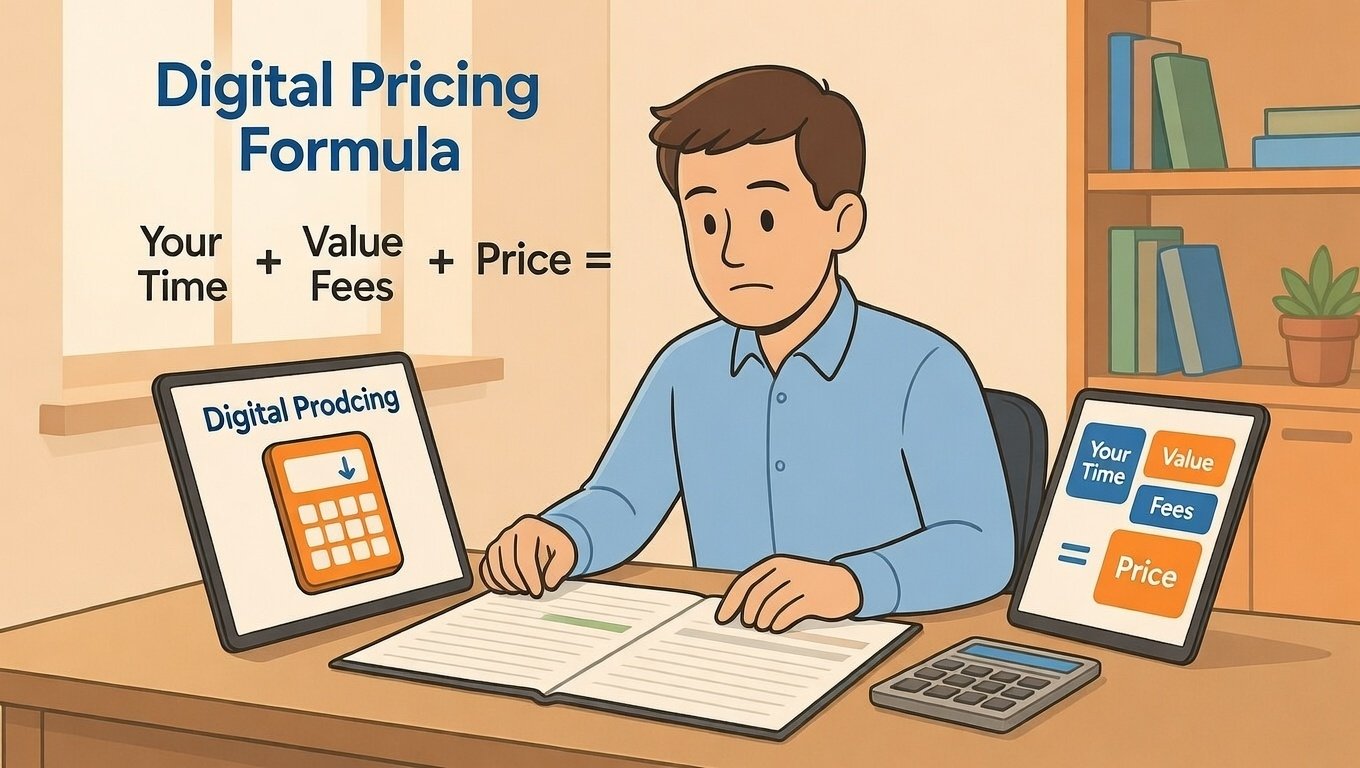
Formula: (Time Cost + Fees + Buffer) divided by expected sales = minimum price per file.
Real Example: Wedding Invitation Template
Time spent: 5 hours at $15/hour = $75. Expected sales: 50 copies. Time cost per sale: $1.50.
Fees (10% of price): unknown yet. Buffer (5%): unknown yet.
Start with a test price of $12. Fees would be ~$1.20. Buffer ~$0.60. Total costs: ~$3.30.
Profit per sale: $12 - $3.30 = $8.70. Margin: 72%. This works.
Step 3: Price Based on Value, Not Just Cost
Buyers do not pay for your time. They pay for the value your file gives them.
Ask: What Problem Does This Solve?
A budget planner saves buyers hours of setup time. A resume template helps them get jobs.
If your file saves time, reduces stress, or helps buyers earn money, it has high value.
Price reflects value. A file that saves 10 hours can cost more than one that saves 10 minutes.
Consider the Buyer's Outcome
Will your file help someone start a business? Plan a wedding? Organize their life?
Bigger outcomes justify higher prices. A $25 business template feels fair if it helps someone earn $500.
Explain the benefit in your listing. Help buyers see the value before they see the price.
Use Psychology to Your Advantage
End prices in .95 or .99. $9.95 feels cheaper than $10. This small trick works.
Offer bundles at a slight discount. "3 templates for $20" feels like a deal versus $8 each.
Show the original price crossed out. "$15 now $10" creates urgency. Only use real discounts.
Step 4: Test and Adjust Your Price
Your first price is a starting point. Test it. Learn. Improve.
Start With a Test Price
Launch your listing at a fair price based on research. Not too high. Not too low.
Give it 14-30 days. Etsy needs time to show your item to buyers.
Track views, favorites, and sales. This data tells you if your price works.
Read the Signals
Many views but no sales? Your price may be too high. Or your photos need work.
Few views? Your title or tags may need better keywords. Price may not be the issue.
Many favorites but no purchases? Buyers like it but hesitate at checkout. Try a small discount.
Adjust One Thing at a Time
Change only your price first. Wait 7-14 days. See what happens.
If sales increase, keep the new price. If they drop, try a different adjustment.
Small changes teach you more than big guesses. Patience pays off.
Common Pricing Mistakes to Avoid
Even smart sellers make these errors. Learn from them and save time.
Mistake 1: Pricing Too Low to "Get Sales"
Charging $2 feels safe. But it undervalues your work and attracts bargain hunters.
Low prices can signal low quality. Buyers may skip your item because it seems cheap.
Price fairly for your value. Attract buyers who appreciate your skill.
Mistake 2: Copying Competitor Prices Exactly
Your file is unique. Your costs and goals differ from other sellers.
Use competitor research as a guide. Then set a price that works for your business.
Remember: You are not racing to the bottom. Quality buyers pay for quality files.
Mistake 3: Forgetting to Include Fees
Etsy fees take about 10% of your sale. If you forget this, you earn less than you think.
Always calculate fees before setting your price. Build them into your formula.
Review fees quarterly. Rates change. Stale numbers lead to wrong decisions.
Mistake 4: Never Raising Prices
As you gain experience, your files improve. Your brand grows. Your prices can too.
Test small increases every 3-6 months. Raise by $1-2. Watch sales for two weeks.
Most buyers do not notice small changes. But your profit grows steadily.
Pricing Strategies That Work for Digital Files
Try these proven approaches to find your best price.
Tiered Pricing
Offer the same file in different versions. Basic: $5. With instructions: $8. With commercial license: $15.
Most buyers pick the middle option. This is called the "decoy effect." It feels safe and valuable.
Clearly show what each tier includes. Use bullet points so shoppers scan fast.
Bundle Pricing
Group related files together. Sell 5 printables for $19 instead of $5 each.
Bundles increase your average order value. Buyers feel they save money. You earn more per transaction.
Use clear titles: "Wedding Planner Bundle: 10 Printables + Instructions."
License-Based Pricing
Charge more for commercial use. Personal license: $8. Commercial license: $25.
This rewards buyers who use your file to earn money. It also protects your work.
State license terms clearly in your description. Avoid confusion later.
How to Present Your Price Confidently
Your listing should justify your price. Help buyers feel good about their choice.
Show What They Get
List file types included: PDF, PNG, editable Canva link. Mention file sizes and pages.
Include a preview image showing the file content. Buyers want to see before they buy.
Answer common questions upfront. "Instant download. No physical item ships."
Highlight the Benefit
Do not just describe the file. Explain what it does for the buyer.
Instead of "10-page planner," write "Plan your week in 10 minutes with this simple template."
Benefits sell. Features inform. Use both, but lead with benefits.
Add Social Proof
Encourage happy buyers to leave reviews. Positive feedback builds trust for future shoppers.
Include a friendly note in your download: "Love this file? A review helps my small shop grow."
Respond to every review. Thank buyers for taking time to share.
Final Pricing Checklist for Digital Downloads
Before you publish or adjust a price, confirm these points:
- I researched similar listings and noted the price range
- I calculated my time cost and added a fair hourly rate
- I included Etsy fees (about 10%) in my price formula
- I priced based on the value my file provides to buyers
- I used clear photos and descriptions to justify my price
- I have a plan to test and adjust based on real sales data
If you checked most boxes, you are ready to price with confidence.
Final Thoughts on Pricing Digital Files
Pricing is not a one-time task. It is a skill you improve over time. Start simple. Learn from your data. Adjust as you grow.
Remember: Your price tells a story. It signals quality, care, and value. Price with intention, not fear.
Digital files offer amazing margins. But only if you price them wisely. Charge what your work is worth.
Keep creating. Keep testing. And keep serving buyers with files that make their lives better.
Pro Tip: Save your pricing formula in a note. Reuse it for new files. Consistency saves time and protects your profit.